



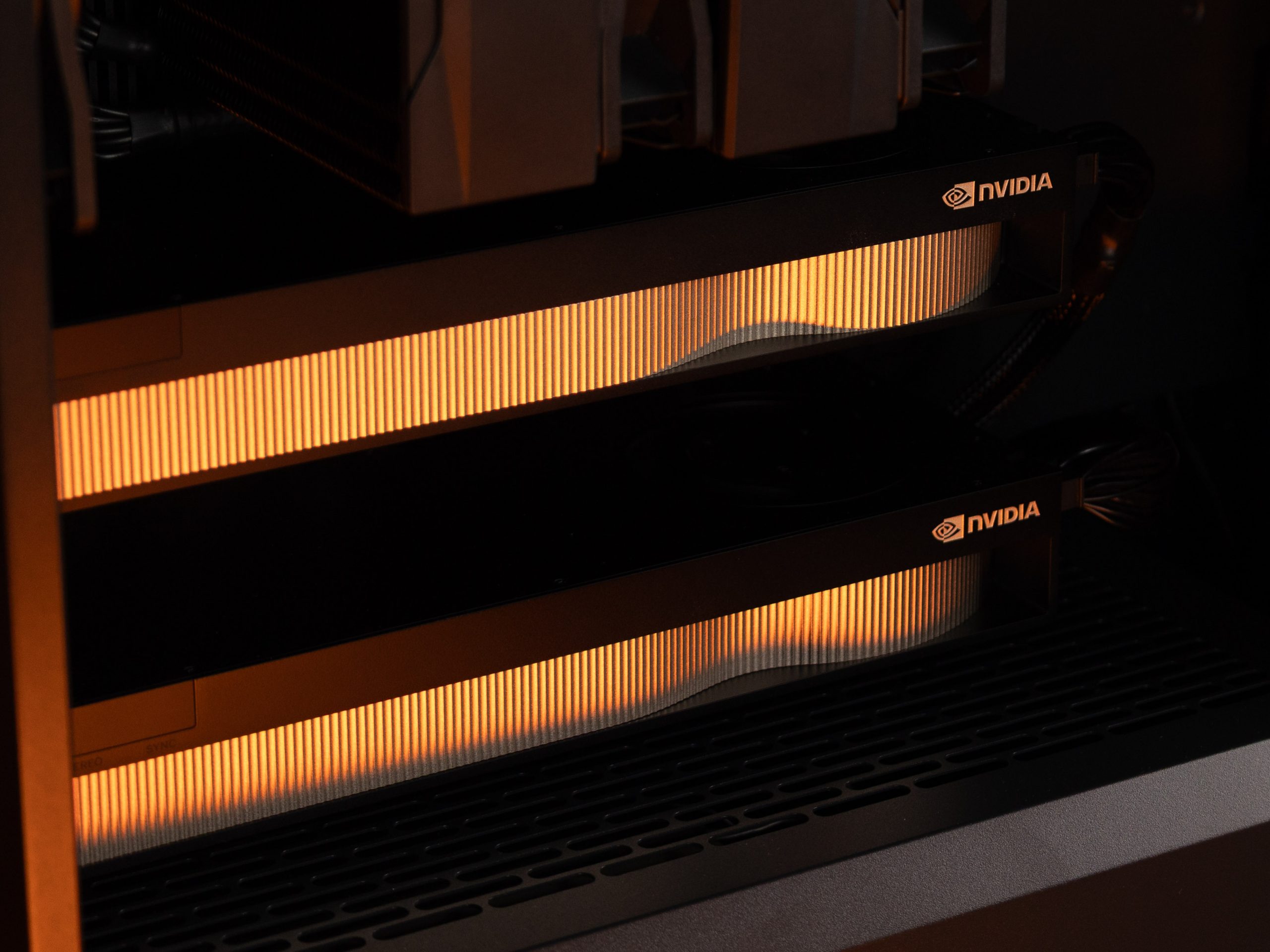
Artificial intelligence tasks on a computer require both computing power and sufficient memory. This time, we built an AI workstation for the client, centered around two PNY NVIDIA RTX PRO 5000 Blackwell graphics cards, each with 72 GB of GDDR7 ECC memory, complemented by an Intel Core Ultra 9 processor, an ASUS motherboard designed for workstations, and 4 TB Samsung SSD.
Such systems are based on the ability to work with artificial intelligence locally. With appropriately configured software, you can process documents, run language models, and develop AI solutions without sending data to external AI services. This provides greater control over the work environment, the models used, and data flow. For example, a local AI assistant can help find information in documents, draft text, or compile materials. Developers, on the other hand, can use such a workstation to test various models and build prototypes of their applications. These are possible use cases, where specific functions are determined by the chosen software, the available data, and how the solution is integrated into the company’s daily operations.
The amount of video memory in this configuration is particularly important. Memory is required both for the model’s own parameters and for the data used during calculations. Each RTX PRO 5000 card comes with 72 GB of memory, which provides greater capabilities for working with large models and more complex tasks. The suitability of a specific model is determined by its accuracy, context length, and the software used.
The two cards together have 144 GB of video memory. To use the memory from both cards to run a single model, the software must support workload distribution across multiple GPUs. The cards can also be used for separate tasks; for example, you can run a model on one card while performing experiments on the other. This allows you to tailor the available resources to a specific workflow.
This flexibility is particularly valuable during the development process, as working with AI often involves repeated attempts. The ability to perform these tasks on your own workstation helps you organize your work according to the team’s schedule and keep all the materials, configurations, and results in one place.
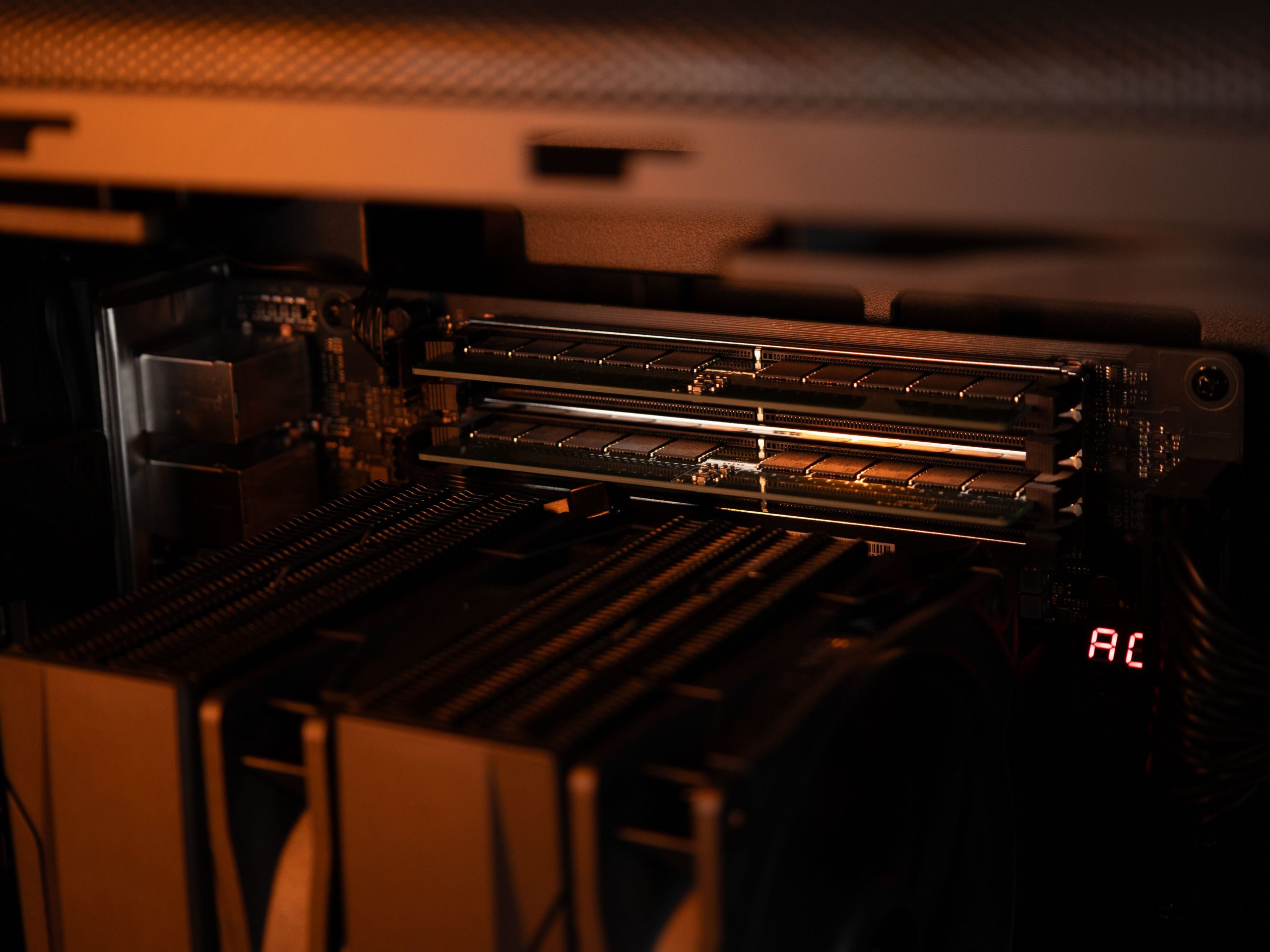
The processor is an Intel Core Ultra 9 285 with 24 cores—eight performance cores and 16 energy-efficient cores. This provides the resources needed for data processing, program execution, and tasks performed in parallel with GPU computations. We used Kingston DDR5 ECC RAM in the system. ECC helps detect and correct certain memory errors, which is essential for long-running computations.
RAM and video memory serve different purposes. The system’s RAM is used by the operating system, programs, and data processing tasks, while the GPU memory stores the information needed for graphics processing. Therefore, when designing an AI workstation, the amount of both types of memory must be evaluated in relation to the specific workflow and the tasks to be performed simultaneously.
The ASUS Pro WS W880-ACE SE motherboard was chosen as the foundation of the system. It is designed for dual-graphics card configurations and provides PCIe 5.0 connections. The built-in BMC controller and remote management capabilities are useful for maintaining the operating environment—the computer can be monitored and managed even when the administrator is not physically present.
Installed for storing models, datasets, and projects Samsung 9100 PRO 4 TB M.2 SSD . When working with artificial intelligence, the repository must contain not only working files but also various model versions and experiment results. Quick access to these files is essential for loading models and preparing data.
The choice of software is essential for hardware configuration; to utilize available resources, you need compatible drivers, AI tools, and appropriate settings. The load on two graphics cards also depends on the application being used. In practice, the best way to assess system compatibility is to run tests using the same models and data that are intended for everyday use.
The kit is complemented by the GIGABYTE AORUS RTX 5060 Ti AI BOX —an external graphics solution featuring a GeForce RTX 5060 Ti and 16 GB of video memory. It consists of a GPU housed in a separate enclosure with Thunderbolt 5 and USB4 ports. This device provides additional capabilities for AI experiments or other GPU-accelerated tasks.
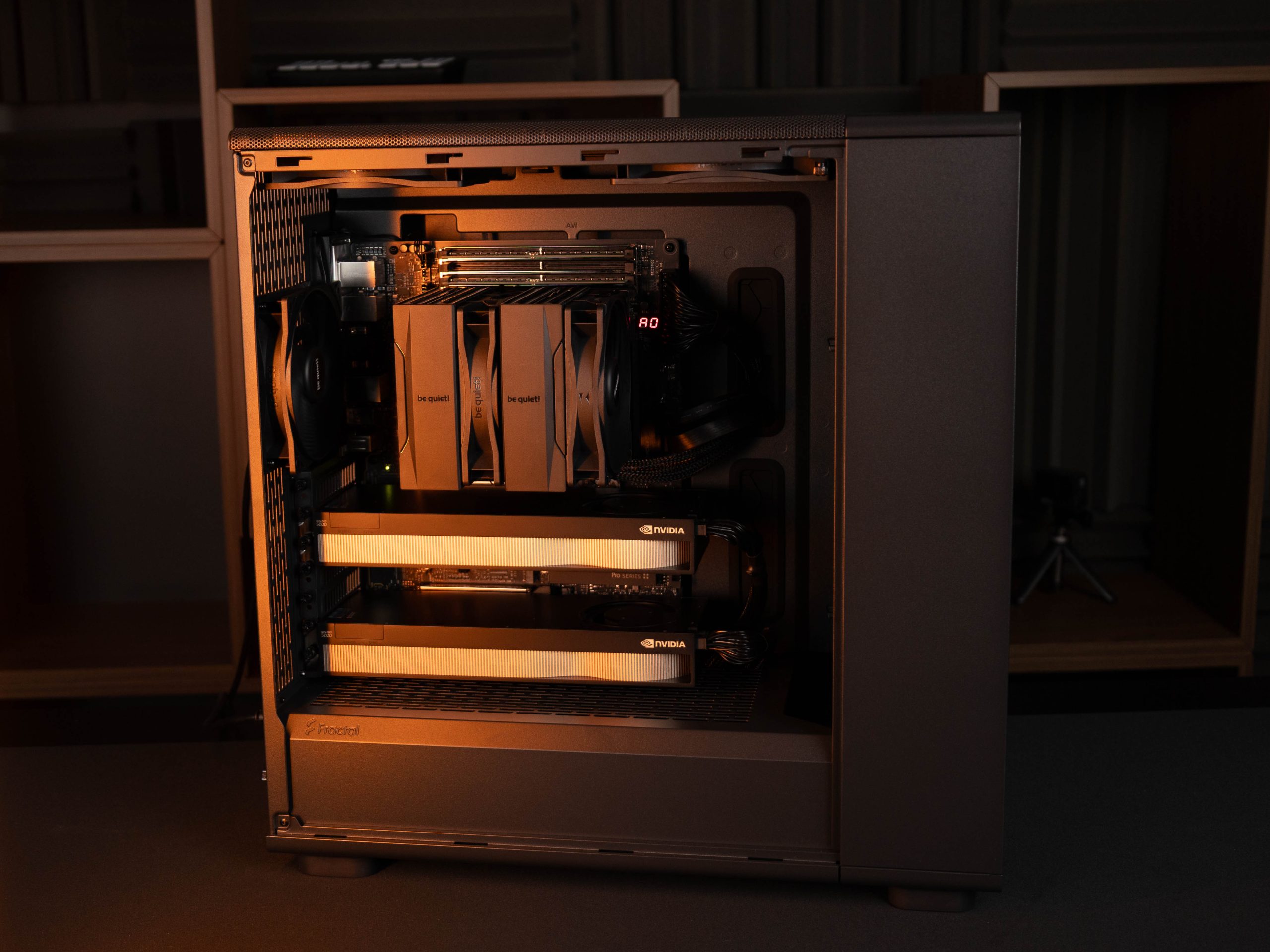
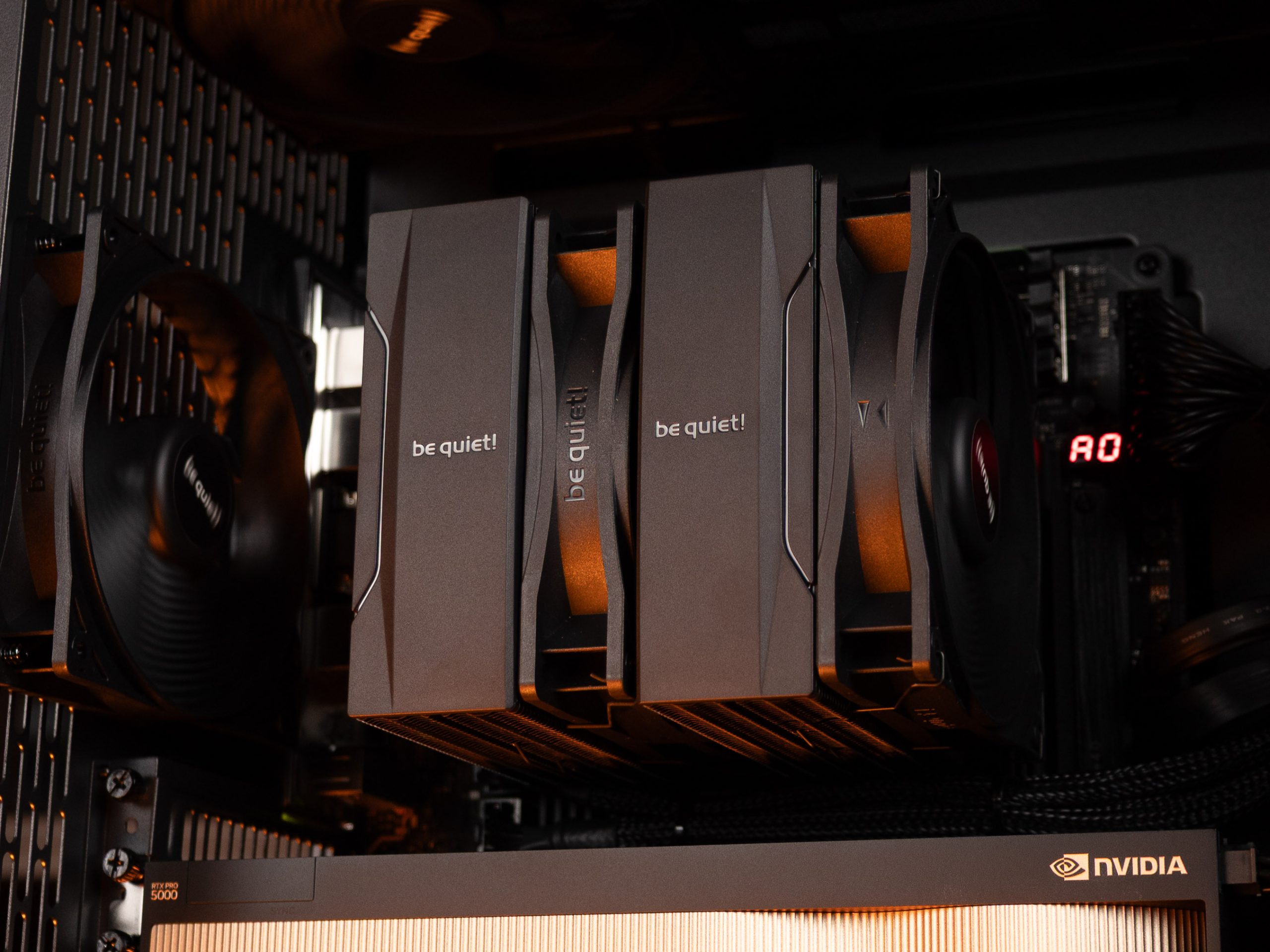
The components are housed in a black Fractal Design Epoch XL Solid case. The processor is cooled by be quiet! Pure Rock Pro 3 , while the airflow is supplemented by be quiet! Pure Wings 3 140 mm and 120 mm PWM fans. For a workstation that can operate under heavy load for hours on end, heat dissipation is a crucial part of the setup.
The computer is powered by be quiet! Dark Power 14 1200 W A power supply unit with 80 PLUS Titanium certification and support for the ATX 3.1 standard. This computer kit also includes a PowerWalker VI 3000 CW FR uninterruptible power supply (UPS) with a rated capacity of 3000 VA / 2100 W. In the event of a power outage, it can provide enough time to save your work and shut down the system properly; the available time depends on the actual load.
This configuration provides an overview of how an AI workstation designed for a specific task is put together: GPU resources are complemented by memory, data storage, cooling, and management capabilities. If your company’s operations also require its own AI powerhouse, contact TopPC —we’ll help you select a configuration tailored to your specific applications, models, and workload.